
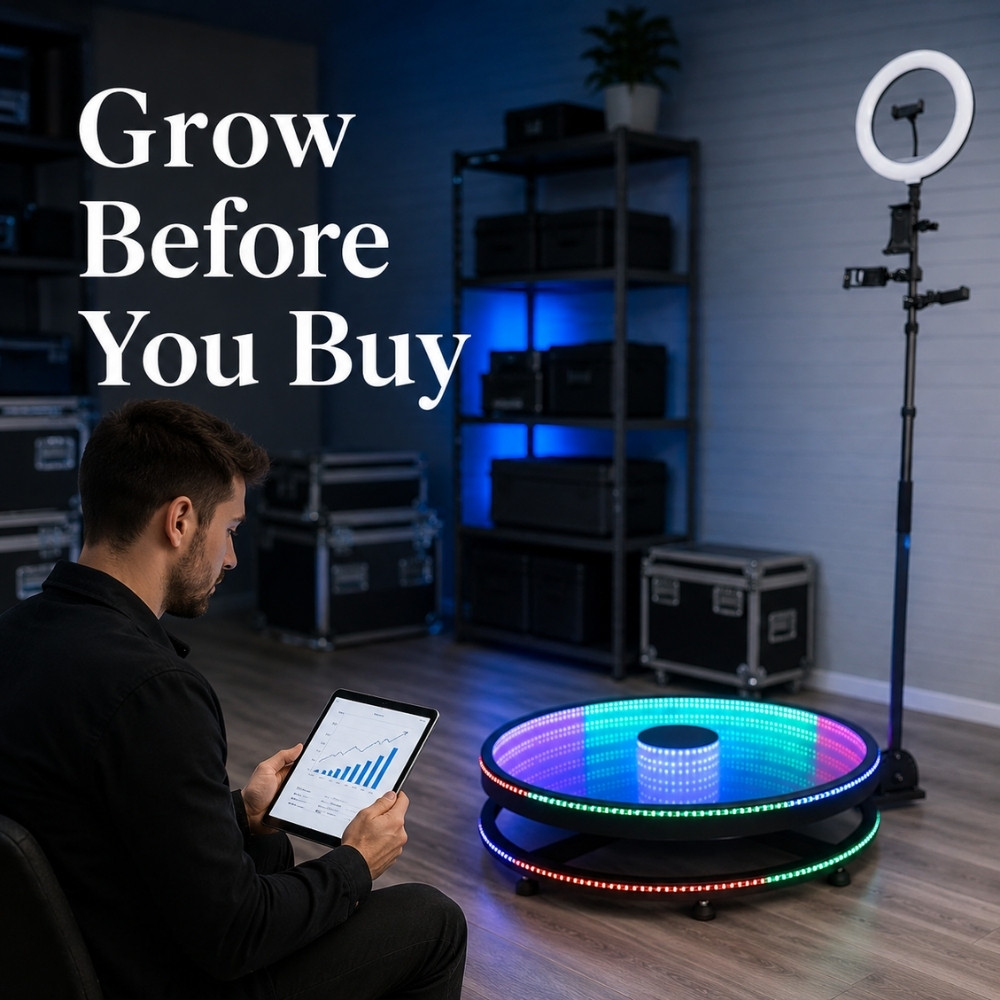
Buying another Photo Booth can feel like a clear sign of growth.
A new device may open another service category, support a different type of event, or help an operator accept more bookings. But it can also create more storage, transport, maintenance, training, and management pressure.
The important question is not simply, “Can I afford another booth?”
More equipment creates capacity. It does not automatically create demand.
Before buying, operators should understand whether the real bottleneck is demand, sales conversion, equipment capacity, staff capacity, or workflow reliability.
More Equipment Does Not Automatically Create Demand
If existing equipment is not generating regular bookings, another device may simply increase the amount of unused equipment.
It may also add:
- More capital tied up in equipment
- More storage requirements
- More transportation and setup work
- More maintenance and repair needs
- More software and device management
- More employee training
- More chances for inconsistent event delivery
This does not mean buying new equipment is always a bad decision. It means the reason for buying should be clear.
A new booth may be useful when there is verified demand, a clear target market, and enough operational capacity to deliver the additional work. It is less useful when the purchase is mainly driven by trends, competitor activity, or the hope that a new device will solve an unclear business problem.
Identify the Real Constraint
Before looking at new equipment, classify the current problem.
Demand Problem
Typical signs include:
- Very few qualified inquiries
- Low website or social media visibility
- Unclear target customer
- Equipment sitting unused for long periods
- Clients not understanding how the service is different
This is usually a positioning, marketing, or audience problem. Buying equipment does not directly solve it.
Conversion Problem
Typical signs include:
- Many inquiries but few confirmed bookings
- Clients disappear after receiving a quote
- Customers compare only price and service hours
- Proposals do not show the event experience clearly
- Replies and follow-ups are inconsistent
- There are few reviews or relevant examples
This points to a sales, package, proposal, or follow-up problem. A new device may make the offer more complicated without improving conversion.
Capacity Problem
Typical signs include:
- Multiple qualified bookings regularly compete for the same date
- Valid bookings are lost because no device is available
- Current equipment is consistently booked on target dates
- There are trained employees who can execute additional events
- Transport, storage, and maintenance systems are ready
This is the situation where new equipment may be a reasonable expansion option.
Measure Photo Booth Equipment Utilization
Use consistent internal definitions. The exact numbers will differ from one business to another, but the method should remain stable over time.
Metric 1: Bookings per Device
How many events did each device actually complete in a month or quarter?
Do not only look at total company bookings. One device may be heavily used while another remains idle.
Metric 2: Available Event Slots
How many device-event slots could the business realistically accept during the same period?
This should reflect the real operating model, including:
- Available weekends and weekdays
- Travel distance
- Setup and collection time
- Employee availability
- Equipment maintenance
- Storage and transport limits
Metric 3: Equipment Utilization Rate
For internal comparison, operators can use:
Equipment Utilization Rate = Booked Device-Event Slots ÷ Available Rentable Device-Event Slots × 100%
This is not a universal industry standard. Different businesses have different calendars, device types, service areas, and staffing models.
The useful part is comparing the same definition across several months.
Metric 4: Inquiry-to-Booking Conversion
Use this internal formula:
Conversion Rate = Confirmed Bookings ÷ Qualified Inquiries × 100%
If inquiries are coming in but bookings remain low, review:
- Response speed
- Package structure
- How prices are presented
- Visual examples
- Client reviews
- Follow-up process
Metric 5: Lost Booking Reasons
Record why inquiries did not become bookings:
- Date conflict
- Equipment unavailable
- No available staff
- Price mismatch
- Missing experience or feature
- Service area mismatch
- Slow response
- Client stopped responding
“We lost the date because the device was unavailable” is more useful than a general feeling that the business needs another booth.
Metric 6: Average Booking Value
Review whether existing equipment can support clearer packages or more relevant experience upgrades.
More bookings are not the only way to improve a business. Better packaging and more accurate cost control may also change the quality of the operation.
Metric 7: Operational Readiness
Assess whether the business has:
- Trained employees
- Reliable transport
- Safe storage
- Equipment maintenance procedures
- A process for simultaneous events
- Stable activity templates
- Consistent content delivery workflows
Buy-or-Optimize Diagnostic Table
| Observed situation | More likely bottleneck | Priority action |
|---|---|---|
| Very few inquiries | Visibility or positioning | Improve website content, partnerships, audience targeting, and marketing. |
| Many inquiries but few bookings | Sales conversion | Improve discovery questions, packages, proposals, reviews, and follow-up. |
| Regular bookings but low booking value | Package structure | Review customer needs, delivery costs, and relevant experience upgrades. |
| Some devices remain idle | Product-market fit | Repackage the use case, adjust promotion, or avoid further expansion. |
| Frequent date conflicts | Equipment or team capacity | Record real demand and evaluate equipment or staff expansion. |
| Equipment available but no staff | People capacity | Build recruitment, training, and event SOPs first. |
| Clients repeatedly request unsupported experiences | Product gap | Validate the frequency and quality of demand before buying. |
| Frequent operational errors | Workflow standardisation | Improve processes before adding more complexity. |
Signs That It May Be Too Early to Buy
- Existing equipment completes only a small number of events.
- You cannot explain which target clients the new device is for.
- The main reason is that competitors are using similar equipment.
- There is no stable source of qualified inquiries.
- There is no marketing or launch plan for the new service.
- Transport, labour, maintenance, and storage costs have not been calculated.
- No employees are available to execute additional events.
- There is no equipment management process.
- You are hoping the new device will solve a positioning problem.
- You have not verified whether customers want the proposed experience.
Signs That Expansion May Be Worth Evaluating
- Existing equipment is consistently booked on target dates.
- You have recorded multiple qualified bookings lost because of equipment limits.
- Customers repeatedly request the same type of new experience.
- There is a clear target market and promotion plan.
- You have prepared packages, examples, and sales material.
- Staff, transport, and storage capacity are available.
- You have considered cash flow and a less successful scenario.
- Software and hardware compatibility has been checked.
- The new device solves a specific customer need.
- The expansion will not reduce the quality of existing events.
These are decision signals, not financial advice or a guarantee that a purchase will generate a specific result.
Run a 30-Day “Optimize Before You Buy” Test
A short validation period can help you learn more before committing to another device.
Week 1: Measure
- Count completed events for each device.
- Review recent inquiries.
- Record lost booking reasons.
- Calculate internal equipment utilization.
Week 2: Repackage
- Create one new experience package using existing equipment.
- Improve the package name and value description.
- Use more relevant examples and visual content.
- Identify existing features that have not been clearly presented.
Week 3: Promote
- Promote the package to one defined audience.
- Contact previous clients and relevant partners.
- Publish one use-case example or educational post.
- Record qualified inquiries, not only likes or views.
Week 4: Review
Ask:
- Did qualified inquiries increase?
- What did clients ask about?
- Could the current equipment support the requested experience?
- Why did some inquiries not convert?
- Is there stronger evidence for increasing capacity?
This is a demand validation process, not a promise that a business will receive bookings within 30 days.
Get More from Existing Equipment with ChackTok
ChackTok can help operators use existing equipment more consistently by standardising event workflows and expanding creative use cases.
Depending on the supported equipment and event setup, operators can use ChackTok to support:
- Activity templates for different event scenarios
- AI Cutout and visual effects for new creative directions
- Cross-device workflows across supported equipment
- Batch content management for multiple events
- Offline task handling in unstable network environments
- Sharing and participation data for basic event review
- Repeatable content delivery workflows for trained employees
The software does not decide whether the business should purchase another Photo Booth. That decision should still be based on verified demand, operational readiness, cost analysis, and the operator’s own judgment.
For a practical overview of the platform workflow, visit how to use ChackTok.
Before Buying Another Photo Booth
- Have I measured each device separately?
- Do I know whether the problem is demand, conversion, or capacity?
- Have I recorded real lost bookings caused by equipment limits?
- Can current equipment support a new package or audience?
- Do I have trained employees to execute additional events?
- Have I calculated transport, storage, maintenance, and setup requirements?
- Have I checked software and hardware compatibility?
- Can the business handle a weaker-than-expected launch?
- Will the new equipment improve the client offer in a clear way?
Conclusion
The right time to expand is not when a new Photo Booth feels exciting.
It is when verified demand, team capacity, and operational readiness point in the same direction.
Before adding another device, measure what the current equipment is doing. Improve the offer. Review the sales process. Test new use cases. Then decide whether the business truly needs more capacity.
Measure demand, improve utilization, and expand when the evidence supports it.
Explore ChackTokFrequently Asked Questions
What is photo booth equipment utilization?
Photo booth equipment utilization is an internal measure of how often available equipment is actually used for completed, rentable events during a defined period.
Should I buy another Photo Booth?
Consider buying another booth when qualified demand regularly exceeds current capacity, valid bookings are lost because equipment is unavailable, and the business has enough staff and operational support to deliver more events.
How do I calculate Photo Booth utilization?
For internal comparison, divide booked device-event slots by available rentable device-event slots, then multiply by 100. Use the same definition over time.
What should I do if my Photo Booth is not getting enough bookings?
First review visibility, target customers, package structure, sales conversion, and the reasons behind lost inquiries. Buying new equipment may not solve a demand or positioning problem.
Can ChackTok improve Photo Booth equipment utilization?
ChackTok can support repeatable activity workflows, templates, creative effects, content management, and digital delivery. It does not guarantee higher utilization or replace demand analysis.