
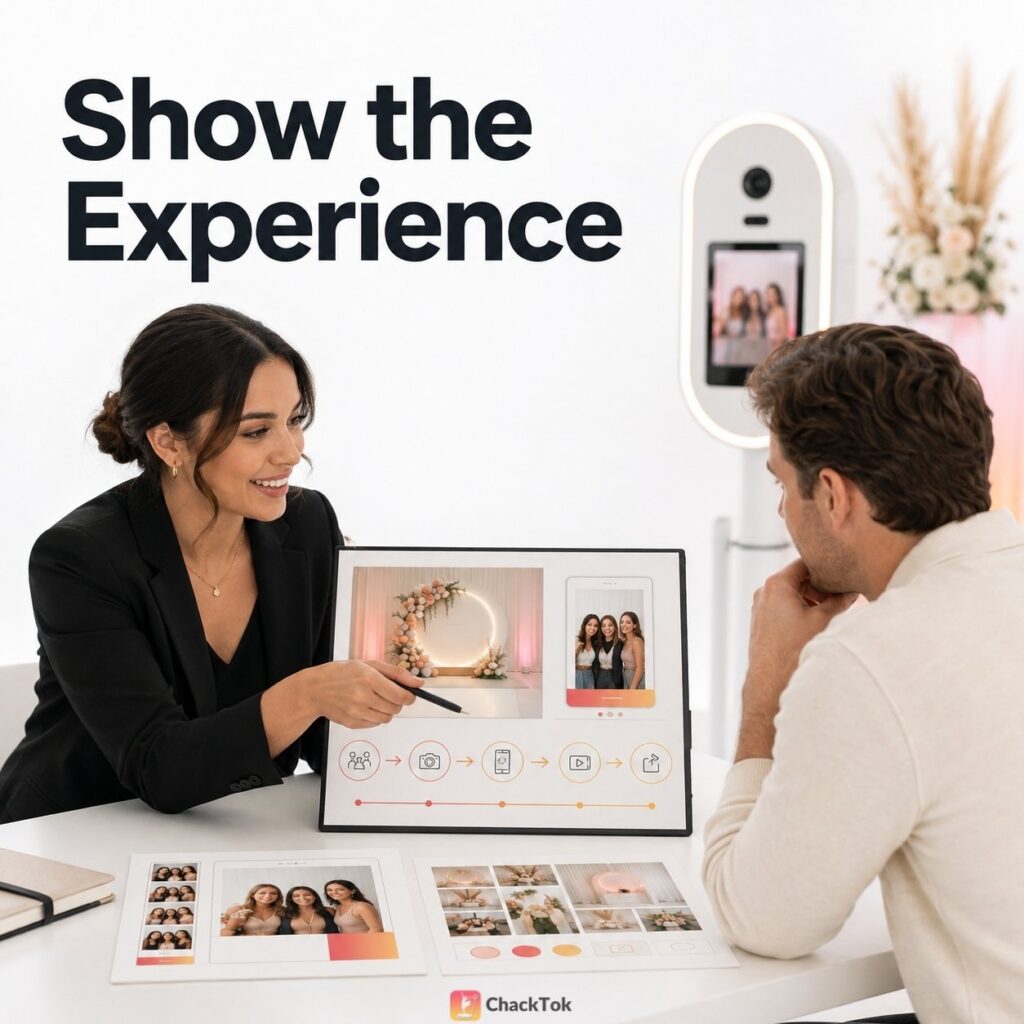
Many Photo Booth proposals contain the information clients need to make a booking:
- Equipment name
- Service hours
- Number of attendants
- Background options
- Sharing features
- Total price
These details are important. But they may still leave the client with one unanswered question:
What will this actually feel like at my event?
When a proposal does not help clients imagine the final experience, they usually compare the things that are easiest to compare: price, equipment, and service time.
Clients do not need a longer feature list. They need a clearer picture of the experience they are considering.
A visual Photo Booth proposal helps the client understand how the booth fits into the event, what guests will do, what the content may look like, and what the client will receive afterwards.
Why Feature Lists Are Hard to Buy
A feature list describes what a service includes. It does not always explain why those features matter to the client.
For example, a proposal may mention:
- AI background replacement
- Dynamic stickers
- QR sharing
- Custom watermark
- Slow-motion video
These descriptions may be accurate, but the client still has to translate them into an event picture:
- Where will the Photo Booth be placed?
- What will guests see first?
- How will they start the activity?
- What will the final photo or video look like?
- How will guests receive the content?
- How will the wedding or brand theme appear?
If the proposal does not answer these questions, the client may struggle to understand why one package is more suitable than another.
A stronger proposal connects each feature to a clear event result.
Start with the Event, Not the Booth
A visual proposal is not simply a brochure with the client’s name added to the cover. It should begin with the client’s event.
Before creating the proposal, confirm:
- Event type
- Date and venue
- Expected number of guests
- Main event purpose
- Important guest groups
- Visual theme and colors
- Most important event moments
- Content the client wants to create
- Sharing and delivery requirements
- Brand exposure or information collection needs
- Main concerns about execution
The same Photo Booth may need to be presented differently for a modern wedding, a children’s birthday, and a corporate product launch.
The proposal should make the client think:
“This is close to what my event could feel like.”
The 10-Part Visual Proposal Framework
Page 1: Personalised Cover
Include:
- Client or event name
- Event date
- Proposal version
- A short description of the event goal
- A visual direction that relates to the event
Avoid using only:
Photo Booth Rental Proposal
Use a more specific description, such as:
- A Shareable Photo Experience for the Smith Wedding
- An Interactive Brand Moment for the ABC Product Launch
Page 2: What We Heard
Summarise the client’s own priorities:
- What type of event they are planning
- Who the important guests are
- What they want guests to feel
- What content they want to create
- What problem they need the service to solve
For example:
You are planning a modern evening wedding and want guests of different ages to enjoy the experience without complicated instructions. The visual style should remain elegant, while the final content should be easy to receive and share.
This page gives the client a chance to confirm that the service provider understood the event correctly.
Page 3: The Experience Concept
Explain:
- The name or direction of the experience
- The main creative idea
- Why it fits this event
- What guests will receive
- How it connects with the wider event
Keep this section easy to scan. Technical details can appear later in the proposal.
Page 4: Visual Direction
This page can show:
- Color direction
- Background concept
- Capture screen
- Photo or video frame
- Brand watermark
- Dynamic sticker direction
- AI background concept
- Sharing page direction
If a corporate client provides a logo, make sure the business has permission to use it and follows the client’s brand guidelines.
Do not use unauthorised movie characters, celebrity images, sports logos, third-party brand assets, or copyrighted illustrations.
Page 5: The Guest Journey
Show the journey in a simple sequence:
Guests notice an interactive area that matches the event.
Guests receive simple guidance and start creating content.
Templates, effects, or backgrounds are applied.
Guests receive the content through the selected method.
Guests may share the content according to their own preference.
Do not suggest that every guest will share content or that a specific sharing volume is guaranteed.
Page 6: What the Client Receives
Only list items the team can actually deliver, such as:
- Custom event template
- Branded photo or video content
- Digital content delivery
- Event gallery
- Batch content organisation
- Basic engagement data
- Post-event summary
Page 7: Experience Options
Offer a small number of clear choices. For example:
| Experience | Suitable for | Main focus |
|---|---|---|
| Essential Experience | Events that need simple capture and digital delivery. | Reliable guest participation and clear content delivery. |
| Social Experience | Events that value visual themes and fast sharing. | Creative effects, themed content, and digital sharing. |
| Brand Activation Experience | Corporate events and promotional activities. | Brand content, disclaimers, information collection, and basic reporting. |
Each option should explain:
- Who it is for
- What problem it solves
- What guests will experience
- What the client receives
Page 8: Execution and Reliability
Explain practical details, including:
- Estimated setup time
- Required space
- Power and network requirements
- Staffing arrangements
- Pre-event approval deadlines
- Offline handling process
- Content delivery timing
- Client or venue responsibilities
This page shows that the team has considered the real event, not just the visual concept.
Page 9: Relevant Proof
Use:
- Relevant event examples
- Authorised client testimonials
- Real activity photos
- Service workflow images
- Approved content samples
Do not use unverifiable testimonials or unrelated brand logos to create a false impression of experience.
Page 10: One Clear Next Step
End with one main action:
- Approve the concept
- Schedule a review call
- Select an experience
- Confirm the date
- Request a revision
Too many competing CTAs can make the next step unclear.
Show the Complete Guest Journey
A strong proposal does not only show the equipment. It shows what happens around the equipment.
The client should be able to understand:
- How guests discover the experience
- How they begin the capture
- How the visual effect or template is applied
- What the final photo or video may look like
- How guests receive the content
- How the event or brand appears in the content
- What the client receives after the event
If the proposal shows the full journey, the client can evaluate the service as an event experience rather than a list of technical features.
Adapt the Proposal to the Buyer
| Buyer | What to show |
|---|---|
| Wedding client | Overall style, important people, guest experience, and digital keepsake content. |
| Birthday or milestone client | Main guest of honor, theme visuals, outfit presentation, and playful interaction. |
| Corporate client | Brand consistency, guest flow, consent, sharing, and basic event outcomes. |
| Wedding planner | Execution reliability, visual coordination, communication points, and venue requirements. |
| Venue | Setup area, safety, power, cables, access, and timing. |
| Marketing agency | Creative execution, brand assets, approval process, and basic data delivery. |
Build a Reusable Proposal Asset Library
A proposal library can help the team create relevant presentations without starting from zero every time.
Useful assets include:
- Real examples from different event types
- Templates in different visual styles
- Horizontal and vertical content samples
- AI Cutout examples
- 360° video samples
- Slow-motion examples
- QR, SMS, and email sharing diagrams
- Setup and venue photos
- Staff service photos
- Authorised client testimonials
- Venue requirement sheets
- Pre-event confirmation checklists
Update the library regularly. Any client content used publicly should have the necessary permission.
Turn the Approved Concept into a ChackTok Workflow
A visual proposal helps the client understand the idea. ChackTok helps the operator turn the approved idea into a repeatable event workflow.
Depending on the supported equipment and event setup, ChackTok can support:
- Activity templates for the approved visual direction
- AI Cutout background concepts
- Filters and dynamic stickers
- Smart slow-motion and high-frame-rate content
- Custom watermarks for brand events
- QR code, SMS, and email delivery
- Custom disclaimers for permission-based workflows
- Batch content management after the event
ChackTok does not automatically create a complete sales proposal. It supports the workflow behind the experience after the operator and client agree on the direction.
For a practical platform overview, visit how to use ChackTok.
Visual Proposal Checklist
- Does the proposal use the client’s actual event details?
- Does it show a relevant visual direction?
- Can the client understand the guest journey?
- Are concept images clearly labelled as previews?
- Does each package explain the outcome, not only the features?
- Are setup, space, power, network, and staffing requirements clear?
- Are all public examples authorised?
- Does the proposal show what the client receives after the event?
- Is there one clear next step?
Conclusion
A strong proposal does not ask clients to imagine what a list of features might become.
It helps them see a relevant and credible version of their own event.
Start with the event, show the guest journey, make the visual direction concrete, and explain what the client will receive. Once the concept is approved, use a repeatable workflow to deliver it consistently.
Show clients the experience, then build the approved event workflow with ChackTok.
Explore ChackTokFrequently Asked Questions
What should a Photo Booth proposal include?
A Photo Booth proposal should explain the event concept, visual direction, guest journey, service options, practical requirements, final deliverables, relevant proof, and next steps.
How can I make a Photo Booth proposal more visual?
Use event-relevant examples, sample templates, background concepts, content previews, sharing flow diagrams, setup photos, and a simple guest journey.
Should a Photo Booth proposal focus on equipment?
Equipment details are useful, but they should support the wider event experience. Clients also need to understand what guests will do and what content they will receive.
How should concept images be described?
Use clear labels such as “Concept Preview,” “Sample Layout,” or “Proposed Visual Direction.” Do not present an unapproved concept as the guaranteed final result.
Can ChackTok automatically create a Photo Booth proposal?
No. ChackTok supports the event workflow behind an approved concept, but the operator still needs to understand the client, create the proposal, and confirm the final requirements.