
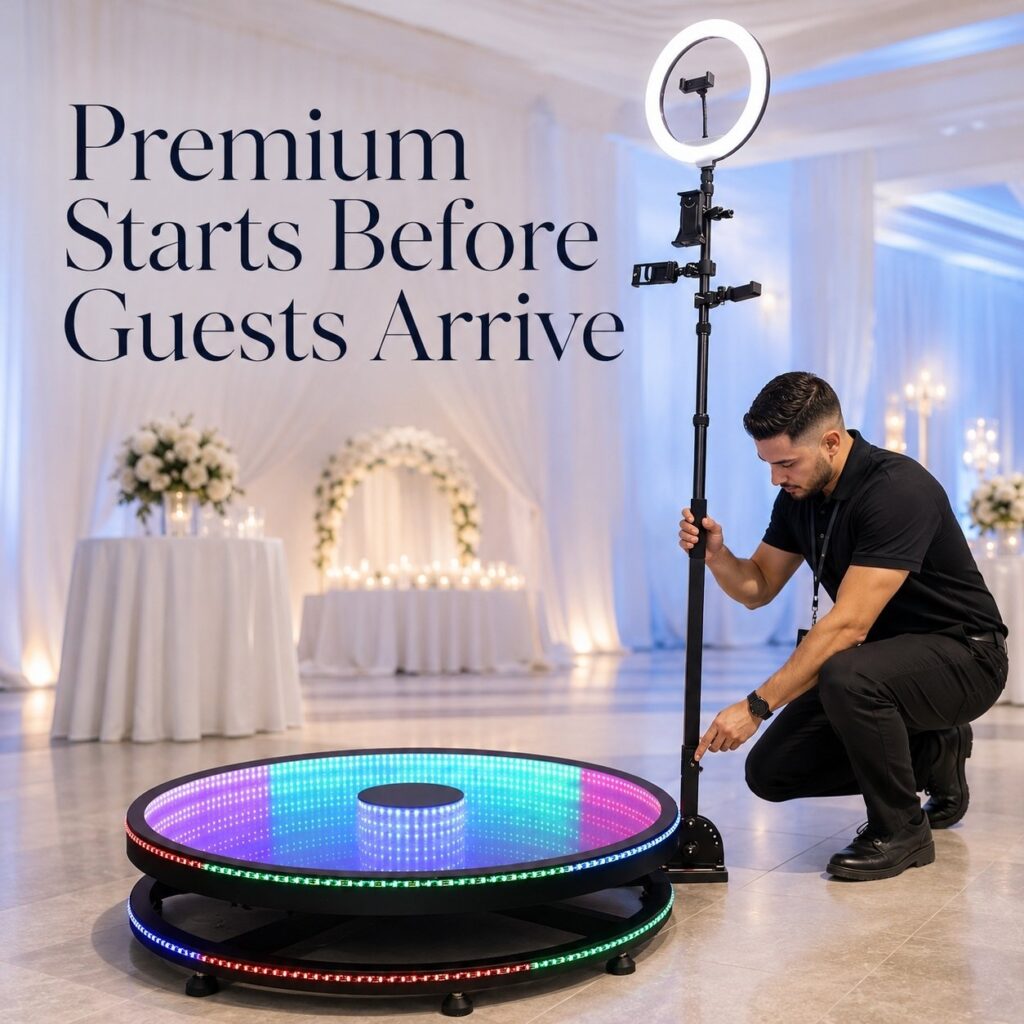
Premium does not always mean a larger booth, a more expensive camera, or a bigger collection of props.
Clients often decide whether a service feels premium through smaller details. Was the information correct? Did the team arrive on time? Was the setup clean? Did someone help guests take better photos? What happened when the network was unstable?
These details may not appear in a product brochure. They still shape the client’s opinion of the entire service.
A premium Photo Booth service is consistent, intentional, and easy for the client to trust. The quality starts before the equipment arrives and continues after the event ends.
Premium Is a Standard, Not a Price
Many operators use price as the main signal of quality. They add more effects, more props, a larger background, or a higher-end device. Those additions can help, but they do not solve every service problem.
A premium service is easier to recognise when the whole workflow feels prepared:
- The client receives clear and timely communication.
- The proposal matches the event rather than showing a generic equipment list.
- The team knows when to arrive, who to contact, and what to do next.
- The space looks clean and safe.
- Guests receive useful guidance without feeling pressured.
- The team has a plan for power, network, weather, and equipment issues.
- The final gallery arrives on time and contains what was promised.
This is the purpose of a Photo Booth setup audit. It helps you see the service from the client’s side, where the technical equipment is only one part of the experience.
How to Use This Photo Booth Setup Audit
This audit contains 21 checks across seven parts of the customer journey. Score each item honestly:
| Score | Meaning | What to do next |
|---|---|---|
| 0 | The process does not exist or depends on memory. | Write down the minimum standard and assign an owner. |
| 1 | The team does it sometimes, but the result varies. | Add a checklist, training step, or review point. |
| 2 | A clear process exists and the team follows it. | Keep monitoring it and improve it after real events. |
The maximum score is 42. The score is a self-diagnosis tool, not an industry certification.
Section A: Before the Event
The client experience starts during the first conversation. A slow reply or an unclear request for information can create doubt before the booking is confirmed.
- Response and purpose. Score 0 if response time and event goals are unclear; 1 if someone usually asks about them; 2 if the team follows a clear response standard and records the event purpose.
- Event information and materials. Score 0 if dates, venue details, logos, colours, and content requirements are collected casually; 1 if some information is collected; 2 if there is a complete intake process with a deadline for final assets.
- Venue and responsibility check. Score 0 if power, network, access, and setup space are not confirmed; 1 if they are checked only before some events; 2 if the team confirms them in advance and explains responsibilities to the client.
Section B: Proposal and Visual Preview
A client should be able to picture the experience before the event. A quote that only lists equipment and hours leaves too much for the client to guess.
- Relevant examples. Score 0 if the proposal uses only generic product images; 1 if examples are available but not matched to the event; 2 if the proposal shows a similar event or a relevant use case.
- Preview of the guest journey. Score 0 if the client cannot see the capture or sharing process; 1 if the team explains it verbally; 2 if the proposal shows the template, capture effect, sharing route, and final delivery.
- Clear package difference. Score 0 if packages differ only by hours or equipment; 1 if some benefits are explained; 2 if every package clearly states who it suits, what it solves, and what the client receives.
Section C: Staff Standards
The best equipment cannot create a premium event by itself. The person standing beside it has a direct effect on guest participation and client confidence.
- Arrival and preparation. Score 0 if staff arrive just before the event begins; 1 if they usually arrive early; 2 if they arrive with enough time to set up, test, and speak with the venue contact.
- Professional presentation. Score 0 if dress and conduct vary without guidance; 1 if staff receive informal instructions; 2 if the team has clear standards for clothing, communication, phone use, and venue etiquette.
- Active guest support. Score 0 if staff mainly watch the equipment; 1 if they help only when asked; 2 if they guide guests, suggest group combinations, understand basic troubleshooting, and know when to contact the lead operator.
If you use a trial shift when recruiting staff, follow local employment rules and state clearly whether the trial is paid. A premium standard should also apply to the way the team is hired and trained.
Section D: On-Site Visual Quality and Safety
Clients may not know camera settings, wireless protocols, or frame rates. They can still see whether the working area looks clean, stable, and prepared.
- Clean equipment and background. Score 0 if marks, dust, loose props, or damaged materials are visible; 1 if the setup is cleaned sometimes; 2 if equipment and the background are checked before guests arrive.
- Cables, lighting, and space. Score 0 if cables create confusion or trip risks; 1 if the team fixes problems during the event; 2 if cables are secured, lighting suits the venue, and the operating area is planned before setup.
- Outdoor and venue risks. Score 0 if weather, heat, wind, or crowd movement are ignored; 1 if the team reacts to problems; 2 if the setup includes a practical plan for rain, wind, shade, cooling, and safe shutdown.
Section E: Guest Experience and Key Shots
Guest guidance is where a Photo Booth setup becomes an actual event activity. Some guests will join immediately. Others need a clear invitation or a simple suggestion.
- Key guest list. Score 0 if important people are easily missed; 1 if the client mentions them informally; 2 if the team prepares a practical list for weddings, private events, or brand activities.
- Group guidance. Score 0 if guests must work out every pose themselves; 1 if staff help when requested; 2 if staff can suggest combinations and guide different age groups without making the process awkward.
- Queue and sharing flow. Score 0 if guests do not know what to do next; 1 if the flow works only when the event is quiet; 2 if the team manages peak periods and explains capture, processing, and sharing in simple terms.
For a wedding, the list may include the couple, parents, grandparents, wedding party, siblings, travelling guests, and important friend groups. For a brand event, it may include campaign participants, key partners, or priority guests. The list should follow the event goal.
Section F: Reliability Behind the Experience
Reliability is often invisible when everything works. It becomes very visible when something does not.
- Full workflow test. Score 0 if the team tests only whether the device turns on; 1 if the team tests capture but not the full workflow; 2 if the team tests capture, processing, saving, sharing, and final content before leaving.
- Power, cables, and network plan. Score 0 if there are no useful backups; 1 if backups exist but are not checked; 2 if the team checks power, battery, cables, accessories, and the plan for unstable or unavailable network access.
- Safe recovery and content check. Score 0 if staff do not know how to stop or recover the system; 1 if the response depends on one experienced person; 2 if the team knows the safe stop process, escalation route, and end-of-event content check.
ChackTok can support this part of the workflow through event templates, device control, offline task queuing, batch content management, emergency stop functions, and cross-terminal support. The exact workflow depends on the supported equipment and event configuration.
Section G: Content Delivery and Follow-Up
The event is not finished when the equipment leaves the venue. The client still expects the promised content and a clear next step.
- Gallery delivery. Score 0 if delivery timing is unclear; 1 if the team usually delivers but does not check completeness; 2 if the team follows an agreed delivery time and checks the gallery before sending it.
- Summary and permissions. Score 0 if there is no activity record or permission process; 1 if the team handles these only when requested; 2 if the team provides a short summary, stores relevant records, and confirms permission before publishing guest content.
- Feedback and SOP updates. Score 0 if client feedback is forgotten; 1 if feedback is collected informally; 2 if feedback updates the team’s checklist, training, or standard operating procedure.
Delivery and follow-up are part of the service the client purchased. They should not be treated as optional admin work.
How to Read Your Score
| Score | Current stage | Recommended focus |
|---|---|---|
| 0–20 | Basic execution stage | Build the three essentials first: pre-event confirmation, full testing, and reliable content delivery. |
| 21–40 | Professional operations stage | Reduce variation between staff members and turn informal habits into checklists and training. |
| 41–42 | High-standardisation stage | Improve team scaling, partner delivery, enterprise events, and multi-location execution. |
A high score is not a reason to stop reviewing the process. Real events will always show details that a checklist misses. After each event, ask the team one simple question: “What made the experience harder than it needed to be?”
Standardise the Workflow with ChackTok
As a software system brand for interactive imaging workflows, ChackTok helps operators organise the parts of an event that guests may never see but clients always feel.
Depending on the supported device and event requirements, operators can use ChackTok to support:
- Standardised event templates for different event types
- Device control for supported interactive imaging equipment
- Real-time AI Cutout and themed visual effects
- Offline task handling when a live network is not available
- Batch content management for busy events
- QR code, SMS, and email delivery workflows
- Basic sharing and participation data for event reporting
The goal is not to make every event look identical. The goal is to make the important parts repeatable, while leaving room for the operator to adapt the experience to each client.
To learn more about the platform and its workflow, visit how to use ChackTok.
Conclusion
A premium brand is built when every event feels intentional—even when the owner is not personally there.
Start with one event. Score the full journey. Fix the weakest part first. Then update the checklist and train the team around it.
The goal is not to create a perfect-looking document. It is to build a Photo Booth setup and service process that clients can trust in the real world.
Create a more consistent event workflow with ChackTok.
Explore ChackTokFrequently Asked Questions
What makes a premium photo booth setup?
A premium photo booth setup combines clean presentation, clear communication, trained staff, guest guidance, reliable equipment, safe operation, and on-time content delivery.
What should a photo booth setup checklist include?
It should include pre-event communication, venue checks, visual previews, staff standards, cable and safety checks, guest flow, full workflow testing, backup plans, and post-event delivery.
How often should a photo booth setup be tested?
The complete capture, processing, saving, and sharing workflow should be tested before every event, especially after changing equipment, software, templates, or venue requirements.
Can photo booth software improve event reliability?
Photo booth software can support standard templates, device control, offline task handling, batch content management, and organised sharing. It supports reliability but does not replace physical preparation or trained staff.